

MFA: Protecting Your Personal Data
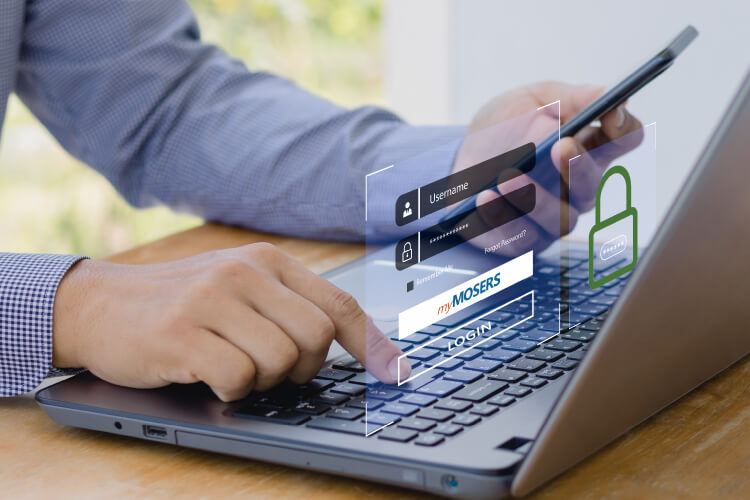
Have you recently logged in to myMOSERS? If so, you might have noticed that our member portal now uses multi-factor authentication (MFA) to verify your identity and protect your personal information.
According to the FBI’s 2024 Internet Crime Report, victims of cybercrimes aged 60 and older reported losses exceeding $4.8 billion in 2024, a 43% increase from 2023. In response to the rise in cybercrime, many organizations and cybersecurity resources have identified MFA as an effective way to protect against financial loss and data compromise.
MFA is a security mechanism that requires you to provide two or more verification methods to access myMOSERS. This approach enhances security by adding multiple layers of protection, making it significantly harder for unauthorized individuals to access your sensitive information.
You are now required to set up MFA the first time you log in or when creating a new myMOSERS login. No further action is needed if you have already set up MFA for myMOSERS. Your online ID and password are the first methods of verification. You will need to choose another verification method to help protect your account.*
5. Use your preferred authentication method when you log in to myMOSERS.
*If you cannot access your email account or choose not to use the online Member Dashboard to manage your account, you may request that we lock your myMOSERS Homepage. Contact a MOSERS benefit counselor for assistance with this process.
After logging in and setting up MFA, select Member Dashboard to explore the enhanced features.
- Schedule an appointment with a MOSERS benefit counselor.
- Submit federal tax withholding changes online.
- Update your direct deposit information.
- Print a verification of benefits letter.
- Update your beneficiaries.
- Review your benefit information and payment history.
- AND MORE!
Watch the myMOSERS Login Tutorial video to learn more about the new login process. You can also visit the myMOSERS Help Center for more information about MFA.